Most people want to stay at home as they get older. It's where life has been lived — the familiar kitchen, the garden, the neighbourhood, the neighbours. Home is comfort and identity in a way that no other place can replicate.
And yet the things that make home safe and manageable can change as we age. Eyesight changes. Balance isn't what it was. Medication gets more complicated. Getting up from the floor after a fall is frightening in a way it wasn't at forty.
The good news is that technology has made staying at home more achievable than at any previous point in history. Much of it is simple, affordable and doesn't require technical expertise to use. Some of it is genuinely remarkable. Here's a practical guide — without the jargon.
Falls and Safety
Falls are the leading cause of injury in older adults, and the fear of falling can be just as limiting as falling itself — causing people to move less, go out less, and lose fitness faster.
Personal alarms — small devices worn on a wrist or around the neck — let you call for help with a single button press, day or night. Modern versions detect falls automatically and alert a response centre even if you can't press the button yourself. CareSafe, Tunstall and Life Assist are among the well-known providers in this space. Some devices work only at home; others include GPS and mobile coverage so they work anywhere.
Fall detection technology is increasingly built into smartwatches. Apple Watch Series 6 and newer models can detect a hard fall, tap you on the wrist, and call emergency services automatically if you don't respond within a minute. This works silently in the background — you don't have to do anything.
Sensor systems for the home — like the InteliCare or CarePredict platforms — learn your normal daily patterns (when you usually make a cup of tea, how often you go to the bathroom overnight) and alert family or carers if something changes significantly. This isn't surveillance; it's a safety net that lets people live with more freedom, not less, because their family isn't worried sick.
Stairlifts and step-free modifications — while not strictly AT — are worth mentioning. A stairlift that carries you between floors costs a fraction of moving to a single-storey home or entering residential care. A grab rail beside the toilet, installed properly, prevents more falls per dollar than almost anything else. An OT can do a home safety assessment and recommend specific modifications.
Non-slip mats in the bathroom and non-slip strips on stairs are inexpensive and effective. They're not glamorous but they prevent a significant number of falls.
Vision and Hearing
Sensory changes are among the most common experiences of ageing — and among the most addressed by modern technology.
Magnification apps and standalone digital magnifiers let people with low vision read menus, labels, letters and newspapers without struggling. OrCam MyEye is a small device worn on glasses that reads text aloud, identifies faces, and describes products — all from a camera no bigger than a pen. For someone whose vision has declined significantly, it can restore a level of independence that felt lost.
Smart lighting systems — like Philips Hue — can be set to turn on automatically when you enter a room (no more fumbling for light switches in the dark) and to be brighter in areas where you need to see clearly. Bright, consistent lighting reduces both falls and eye strain.
Hearing loops, amplified phones, and captioning apps help people with hearing loss stay connected. Apps like Google Live Transcribe turn speech into on-screen text in real time — useful in conversations, at appointments, or in noisy environments where hearing aids struggle. Amplified phones with large buttons are widely available and much easier than trying to use a standard handset with reduced hearing.
Medication Management
Managing multiple medications on a schedule is genuinely hard — not because of forgetfulness or carelessness, but because the cognitive load is real, especially when doses change frequently.
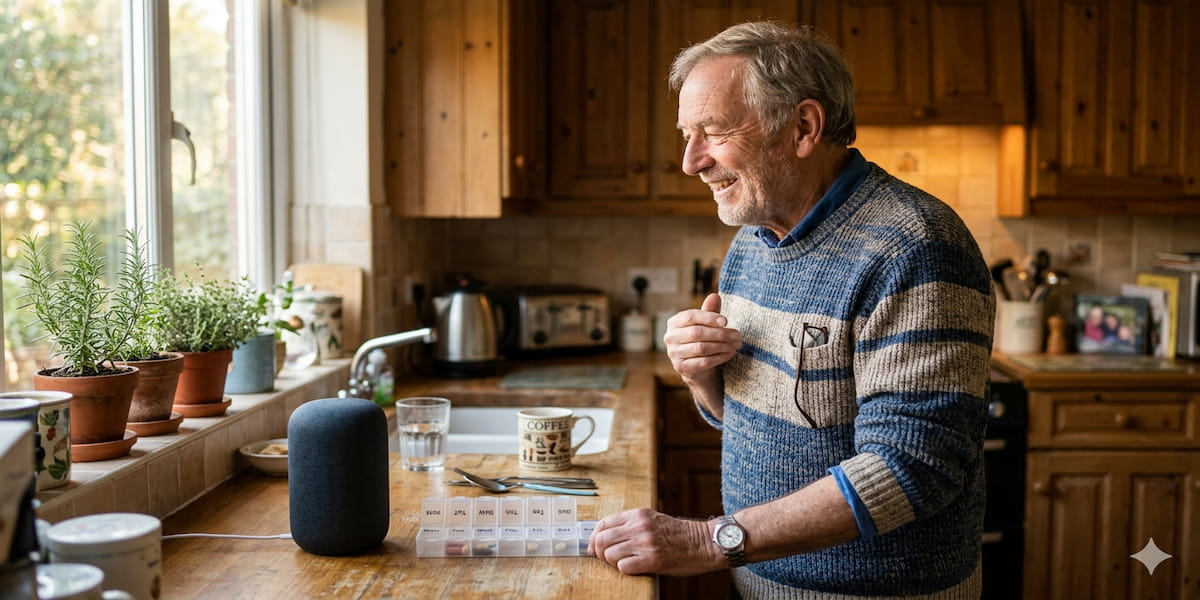
Automatic pill dispensers like the Medminder, Pivotell or MedCenter take the complexity out of medication management. The right pills are sorted into compartments in advance, an alarm sounds at the right time, and the correct compartment opens. Some models send a notification to a family member or carer if a dose is missed. This single piece of equipment removes one of the most common reasons older adults take the wrong medication at the wrong time.
Smart speakers with alarms — Amazon Echo, Google Nest — can set daily reminders for any medication schedule. "Alexa, remind me every day at 8am and 2pm to take my tablets" takes about ten seconds to set up.
Apps like Medisafe keep track of your medications, remind you to take them, and can share your history with a family member or doctor.
Staying Connected
Social isolation is one of the most significant health risks for older adults — more predictive of poor health outcomes than smoking, in some research. Technology that makes it easier to stay in touch with family and friends matters enormously.
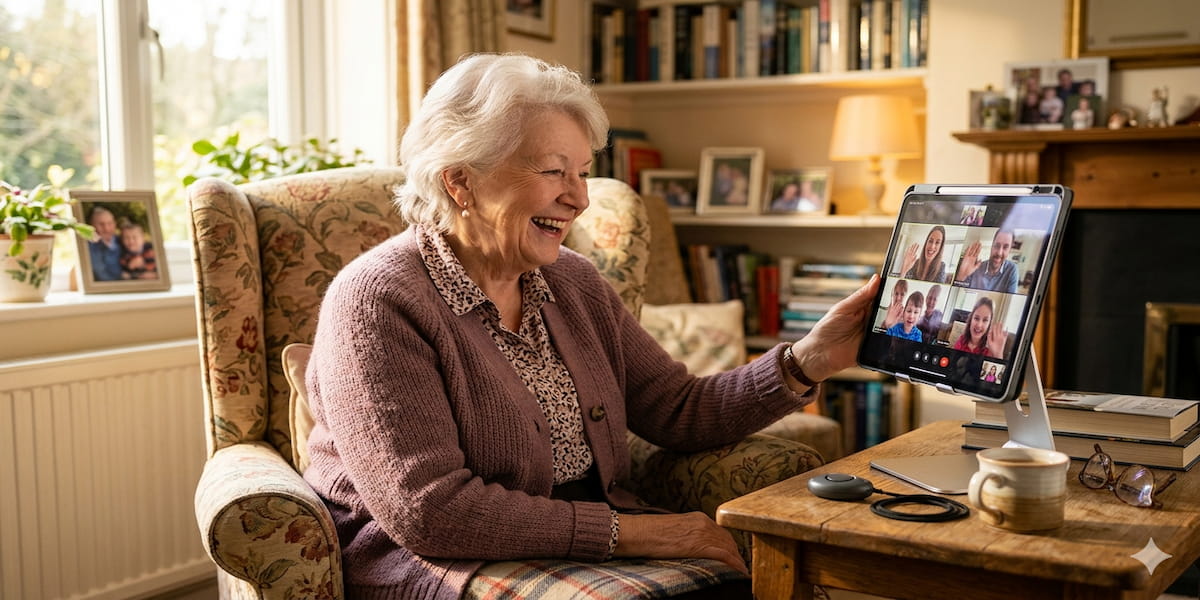
Video calling has become much more straightforward. Many older adults now use WhatsApp, FaceTime or Zoom comfortably. For those who find smartphones or computers confusing, dedicated video calling devices like the Facebook Portal or Amazon Echo Show are designed specifically for simplicity — large screen, clear audio, easy to start a call.
Large-button phones and phones designed for older adults — like the Doro range — have bigger buttons, louder speakers, brighter screens and simpler menus. Many include an SOS button for emergencies.
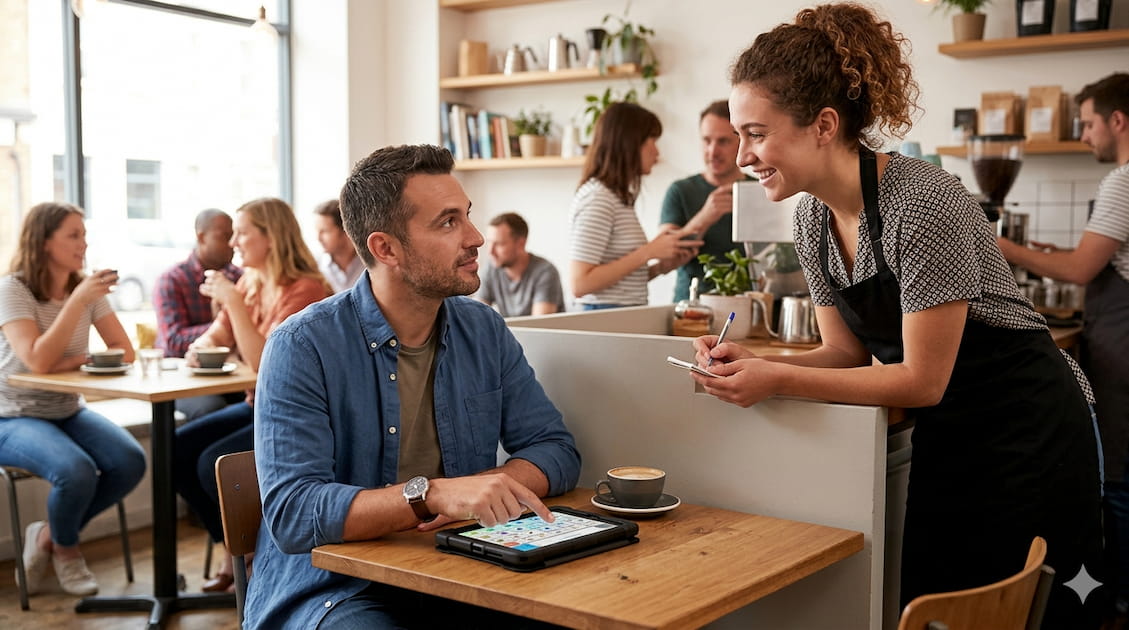
Tablets with simplified interfaces — like the GrandPad, designed specifically for older adults — remove the complexity of a standard iPad. There are no confusing apps, no software updates to manage, no passwords to forget. Just video calling, photos, music and simple communication.
Voice Control and Smart Home
Voice assistants have quietly become one of the most useful technologies for people with limited mobility, arthritis, or difficulty using small screens and buttons.
"Hey Google, turn on the kettle." "Alexa, what time is it?" "Hey Siri, call my daughter." These small commands — no phone to pick up, no button to find — reduce the physical effort of daily life and maintain independence in moments that would otherwise require help.
Smart plugs let you turn any appliance on or off by voice or phone app — no more worrying about whether you left something on. Smart door locks can be operated from inside by voice, and let family members in remotely without anyone needing a spare key. Smart thermostats maintain a comfortable temperature automatically.
None of this requires technical expertise to use — voice assistants are specifically designed to be operated by speaking naturally, the way you'd talk to another person.
The OT's Role
An occupational therapist who specialises in ageing at home is one of the most useful people you can involve in planning for independent living. They can do a home assessment — looking at the real spaces where you live, cook, sleep and bathe — and make specific, practical recommendations rather than generic ones.
An OT can also help navigate the funding and equipment systems in your country, whether that's a home care package, disability funding scheme, or community health service. Many AT items for older adults are subsidised or provided free through public health systems.
Starting Small
If all of this feels overwhelming, start with one thing. A personal alarm, a pill organiser, a grab rail. The goal isn't a fully automated home — it's staying safe and independent in the place you love.
The right technology isn't the kind that takes over. It's the kind that quietly sits in the background, ready when you need it, invisible when you don't.
This article is for general information. An occupational therapist can give advice tailored to your specific situation and home. You can explore AT for older adults on Eazilee by searching for the challenge or goal that matters most to you.